
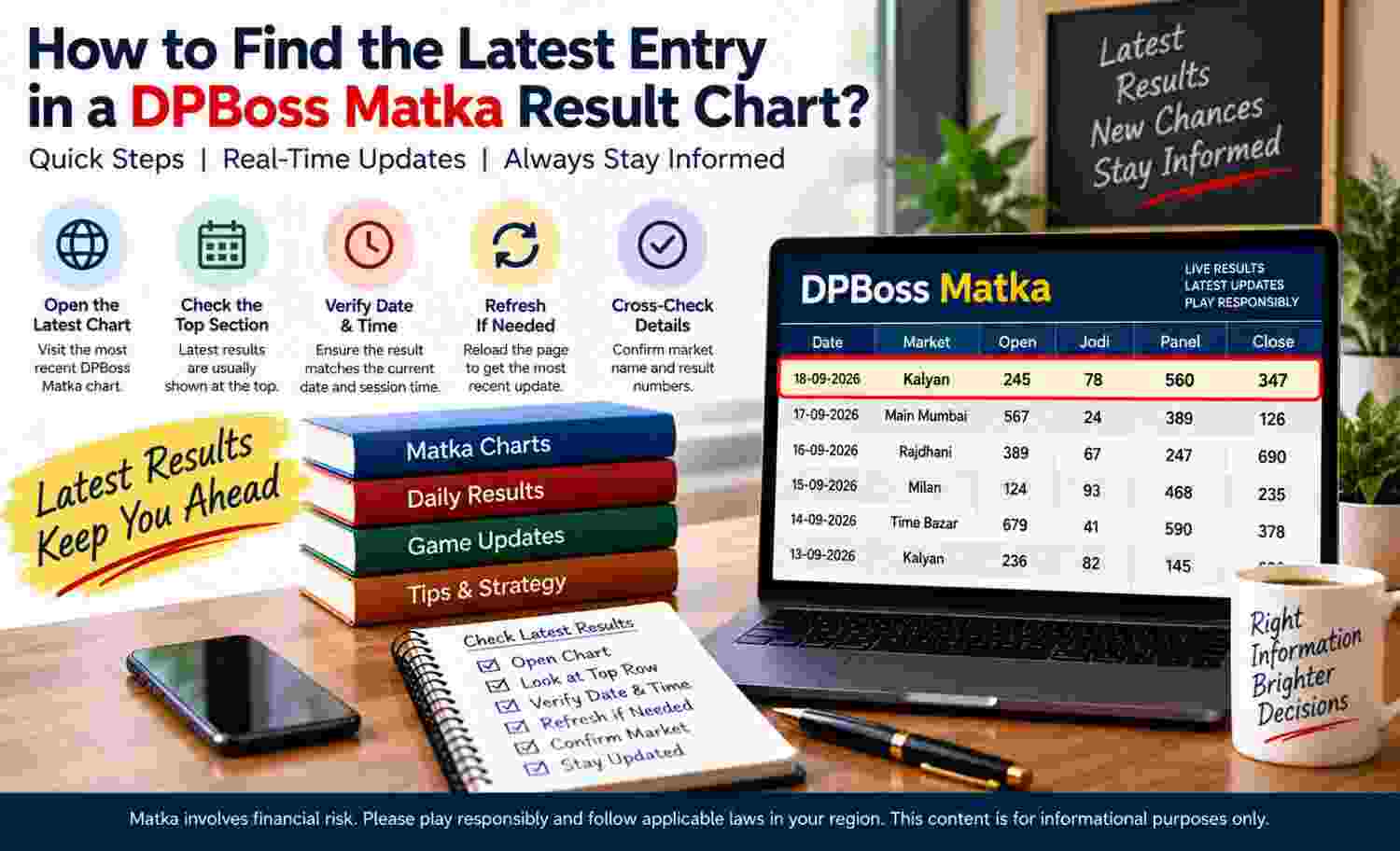
Finding the latest entry requires more than choosing the last visible number. Charts may arrange dates from newest to oldest or oldest to newest, and an entry may remain incomplete while later components await publication. Readers must check the date order, year, market label, and result status together. This approach separates the newest dated row from the newest completed result and prevents pending information from appearing final. Historical entries remain records only and cannot determine future outcomes.
What Counts as the Latest Chart Entry?
The latest entry usually means the result linked to the most recent applicable date and market. However, the newest dated row may contain only an opening value, a pending marker, or no published number.
Latest Date Versus Latest Complete Result
Three related items require separate treatment:
- The latest dated row carries the most recent date shown.
- The latest published component contains the newest available opening or closing value.
- The latest completed result contains every component required by the chart format.
Determine the Direction of the Dates
Charts do not follow one universal chronological order. Some place recent dates at the top, while others add each new row beneath earlier records.
Ascending and Descending Layouts
An ascending chart moves from earlier dates towards later dates, so the newest row normally appears at the bottom. In contrast, a descending chart starts with the latest date and places older records below it.
Verify the Date, Year, and Market
A recent-looking row may belong to an earlier month or year. Therefore, readers should inspect the surrounding date-range heading before treating it as current.
Reading Date and Market Labels
Dates may appear as day-month-year, month-day-year, day numbers beneath a monthly heading, or ranges covering a week. The chart title, archive label, or section heading usually supplies the missing context.
Use these checks:
- Confirm the day and month order.
- Locate the displayed year, particularly near archive boundaries.
- Check whether the row falls within the stated weekly or monthly range.
- Match the number with the correct market column.
- Avoid carrying a label across unrelated chart sections.
A DPBoss Matka chart may place several market names beside the same date, so identifying the newest row does not automatically identify the required market entry.
Recognise Opening, Closing, and Status Information
Many charts divide one dated result into opening and closing components. As a result, the chart may update the opening side first and retain a temporary marker for the closing side.
Complete and Partial Entries
A complete entry contains all components that the chart ordinarily displays for that market. In contrast, a partial entry contains only one stage or carries an explicit pending status.
Visual clues may include:
- A number in the opening position and a blank closing position
- A dash replacing an unavailable component
- A pending, waiting, or provisional label
- A status marker showing completion
- A later correction replacing an earlier provisional value
Navigate Weekly and Monthly Chart Sections
Weekly and monthly layouts group records differently. Consequently, finding the newest entry depends on recognising the active block before tracing an individual row.
Finding the Active Date Range
In a weekly chart, first identify the block whose starting and ending dates include the relevant calendar date. Then determine the order of days within that block. In a monthly chart, confirm the month and year before locating the highest applicable date.
Use a Practical Verification Process
A consistent checking process reduces mistakes caused by dense rows, narrow screens, and similar labels. It also helps distinguish publication activity from the date assigned to a result.
Checks Before Treating an Entry as Latest
Before concluding:
- Confirm that the chart covers the relevant period.
- Verify the date format and chronological direction.
- Match the row with the intended market heading.
- Separate opening and closing positions.
- Read any pending or provisional indicator.
- Check whether a later correction appears.
- Recheck alignment after horizontal scrolling.
Moreover, compare the publication time with the result date where both appear. A record uploaded after midnight may retain the preceding date, while a time-zone difference may shift the apparent calendar day. Thus, the latest publication is not always the latest dated result.
Avoid Common Location Errors
Most mistakes arise when readers rely on visual position without checking context. Crowded layouts and repeated market labels increase this risk.
Frequent Sources of Confusion
Readers may accidentally:
- Select the top row even when dates ascend
- Select the bottom row even when dates descend
- Read an older year with the same day and month
- Follow a number into the neighbouring market column
Account for Delays and Corrections
Charts may not update immediately or in a fixed sequence. Publication delays, technical interruptions, manual entry, and later review can change which information appears newest.
Practical Limits of Displayed Information
A correction can replace the latest visible value after initial publication. Similarly, one market may show a completed entry while another remains pending for the same date. Readers should therefore treat status indicators and timestamps as contextual information rather than guarantees of completeness or accuracy.
Use Historical Information Responsibly
Result charts provide dated records, not advice or forecasts. Their informational purpose involves identifying what appears for a particular date and market.
Recent Does Not Mean Predictive
The latest entry may help confirm the chart's current recording point, but it provides no reliable basis for anticipating a later number. Historical results cannot determine future outcomes. Therefore, responsible viewing requires accurate date checking, careful status interpretation, and recognition of missing or provisional information.
Conclusion
To find the latest chart entry, determine the date order, verify the month and year, locate the correct market, and inspect opening, closing, and status fields. The newest dated row may differ from the newest completed result, particularly when a component remains pending. Weekly blocks, midnight publication, time zones, delayed updates, and corrections can also affect interpretation. Careful verification identifies what the chart currently displays without treating historical information as a prediction.