
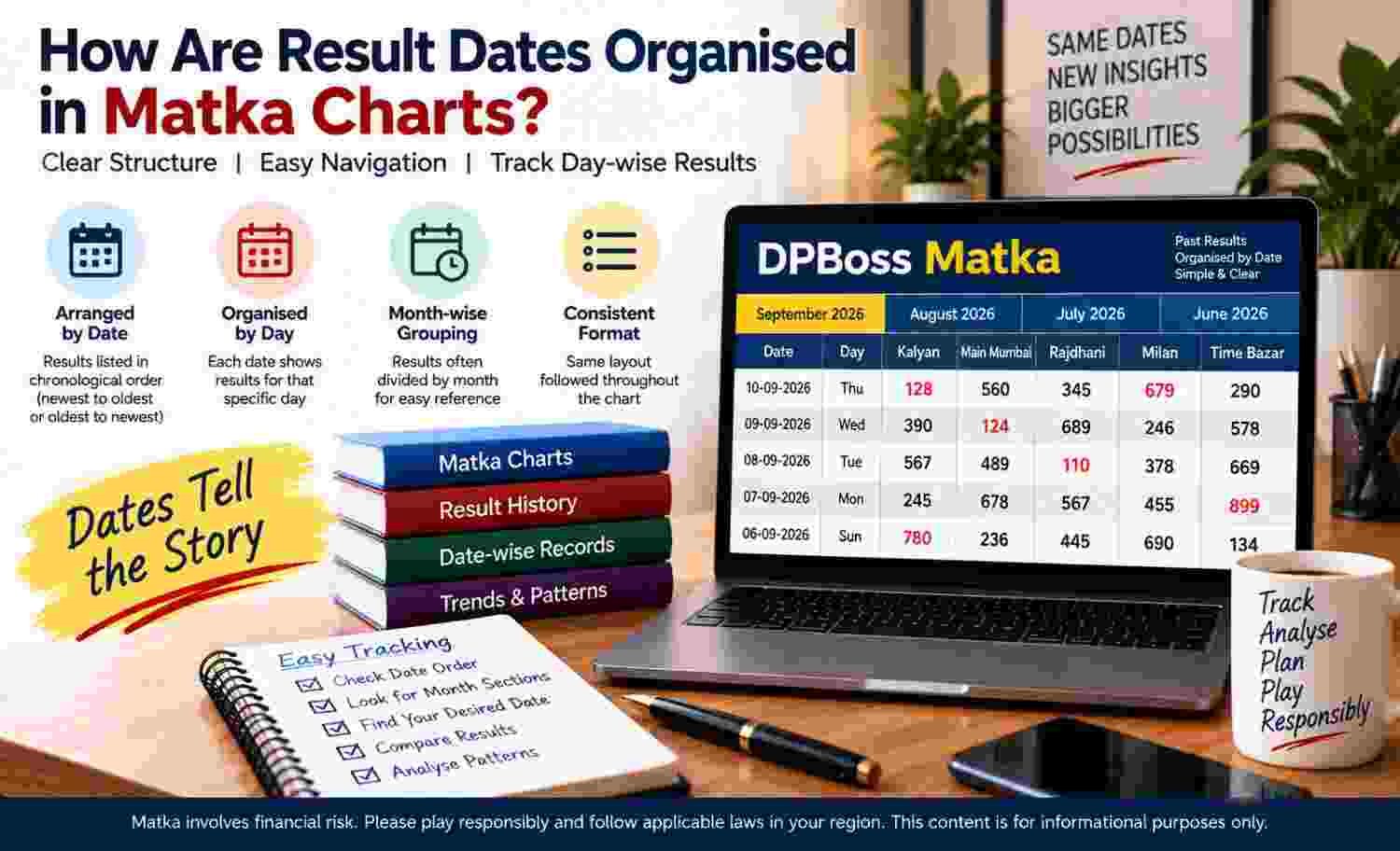
Matka charts arrange recorded results against dates so readers can identify when each entry appeared. Although designs vary, most layouts use chronological rows, calendar-based columns, or grouped periods. Correct interpretation requires more than finding a familiar number: readers must confirm the market label, date, year, operating day, and entry status. Moreover, they should separate the recorded result date from the time when a page received an update. This distinction prevents common errors involving incomplete rows, repeated dates, and archived months.
Why Charts Organise Results by Date
Dates give every recorded entry a fixed calendar position. Consequently, readers can distinguish one operating session from another, trace gaps, and navigate archives without treating visually similar entries as identical.
A chart may connect each date with a market name, opening entry, closing entry, or completion marker. However, that structure documents reported information; it does not establish a pattern or forecast.
Common date formats include:
- Day-month-year, such as 14-08-2025.
- Day/month/year, such as 14/08/2025.
- Written month forms, such as 14 August 2025.
- Short forms that omit the year within a clearly labelled annual section.
Ascending and Descending Arrangements
Charts commonly arrange dates in ascending or descending order. In an ascending layout, the oldest entry appears first and later dates continue downward or across the page. In contrast, a descending layout places the newest recorded date first, followed by progressively older entries.
Neither arrangement applies universally. Therefore, readers should carefully compare two or three adjacent dates instead of assuming that the uppermost row contains the latest information.
Daily, Weekly, Monthly, and Annual Groupings
Different time groupings help charts manage records of varying length. Daily layouts normally assign one row to each operating date, while weekly layouts may place weekdays in columns beneath a week-starting or date-range label.
How Broader Periods Appear
Monthly charts may group all eligible dates beneath a month heading. Meanwhile, annual archives often divide records into twelve monthly blocks or list months as separate sections.
Typical structures include:
- A date column followed by one or more result columns.
- A weekly row containing separate cells for scheduled days.
- A monthly block organised by calendar date.
- An annual index linking or arranging monthly records.
A DPBoss Matka chart may use any of these structures, so readers should rely on visible labels rather than assume a universal design.
How Market Schedules Shape Dated Entries?
A market label identifies the schedule to which a dated record belongs. Thus, the same calendar date can appear several times when a chart covers multiple markets. Readers must match both elements before treating an entry as relevant.
Operating schedules also determine which dates should contain records. Some schedules run on selected weekdays, exclude holidays, or stop unexpectedly. Consequently, a missing calendar date does not automatically indicate an error.
Opening and Closing Placement
Where a schedule reports two stages, charts often display opening and closing entries in neighbouring columns. Labels may use full words, abbreviations, or separate fields. An opening entry can appear before the closing field becomes available, leaving the row incomplete temporarily.
Readers should distinguish these statuses:
- A completed entry displays every expected recorded field.
- A pending entry shows that part of the row awaits an update.
- A blank cell provides no displayed value or confirmed reason.
- A dash may mark non-operation, unavailability, or an omitted record.
Because symbols vary, nearby labels and legends matter.
Finding a Particular Dated Record
A careful search process reduces row and column errors, especially when several months use similar layouts.
- Confirm the required market name before scanning dates.
- Identify the correct year and then select the relevant month.
- Check whether dates run forwards or backwards.
- Match the complete day, month, and year where available.
- Follow the row horizontally to the properly labelled result field.
- Verify whether the entry appears complete, pending, blank, or corrected.
Afterwards, compare the chosen row with its neighbouring dates.
Gaps, Interruptions, and Calendar Transitions
Blank cells and missing dates can reflect holidays, scheduled closures, interrupted operations, delayed publication, unavailable records, or formatting faults. However, readers should not assign a reason unless the chart states one clearly.
Month-end transitions require particular care. A sequence may move from 31 January to 1 February, while shorter months end earlier. Likewise, year-end records move from December into January under a new year heading. Therefore, checking only the day and month can lead readers into the wrong archive.
Timestamps, Delays, and Corrections
The result date identifies the operating date associated with an entry. In contrast, an update timestamp records when someone added or changed displayed information. The two may differ when publication occurs later.
Moreover, delayed closing data can leave a temporary partial row. A later correction may replace a mistaken value, adjust a label, or restore a missing field. Readers should prioritise explicit headings, status notes, and visible corrections without inventing explanations for unexplained changes.
Frequent Date-Reading Errors
Several mistakes arise from hurried scanning:
- Assuming the first row always contains the newest date.
- Ignoring the year when identical dates appear in separate archives.
- Reading one market's result across another market's row.
- Treating an update time as the result date.
- Interpreting a blank or pending cell as a completed entry.
- Missing a month boundary within a continuous list.
Limits of Historical Records
Historical charts preserve reported entries, but their usefulness remains archival. They may contain gaps, delayed updates, corrections, or inconsistent formatting. More importantly, past results cannot determine future outcomes. Apparent sequences do not provide reliable predictions, and chronological organisation only improves record navigation.
Conclusion
Result dates make chart archives easier to navigate when readers check the full calendar context. A reliable reading starts with the market label, year, month, date order, and relevant opening or closing column. It also accounts for operating schedules, holidays, pending fields, corrections, and update times. Since layouts differ, visible headings and status markers should shape interpretation. Ultimately, dated records describe past entries only and offer no basis for predicting later results.